Test Your API Key
You can easily test Route Reports endpoints using your API key in our interactive developer portal.
GET Requests
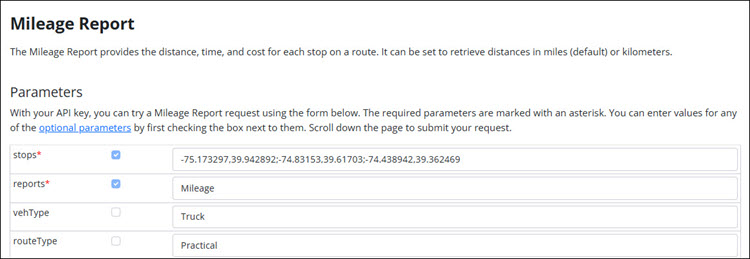
Samples are built into many of the pages. For example, to test a Mileage report:
- Select parameters by checking boxes or adjusting values.
-
Enter your API key in the YOUR API KEY HERE field below the parameter table.
-
Click Go next to the Request URL.

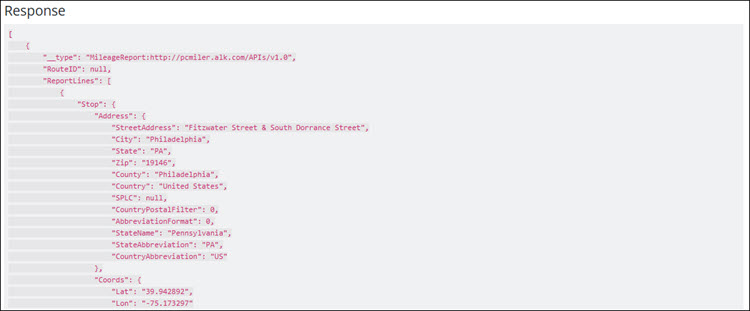
- Scroll down to view the JSON response.
POST Requests
For POST requests, the Route Reports page includes samples you can cut, edit, and paste into an API client for testing.